
Master Google Gemini Hacks: A 60-Second Quick-Start Checklist
JR. AI GUIDESABOUT OF GEMINI
Idris SONMEZ
12/26/20252 min read

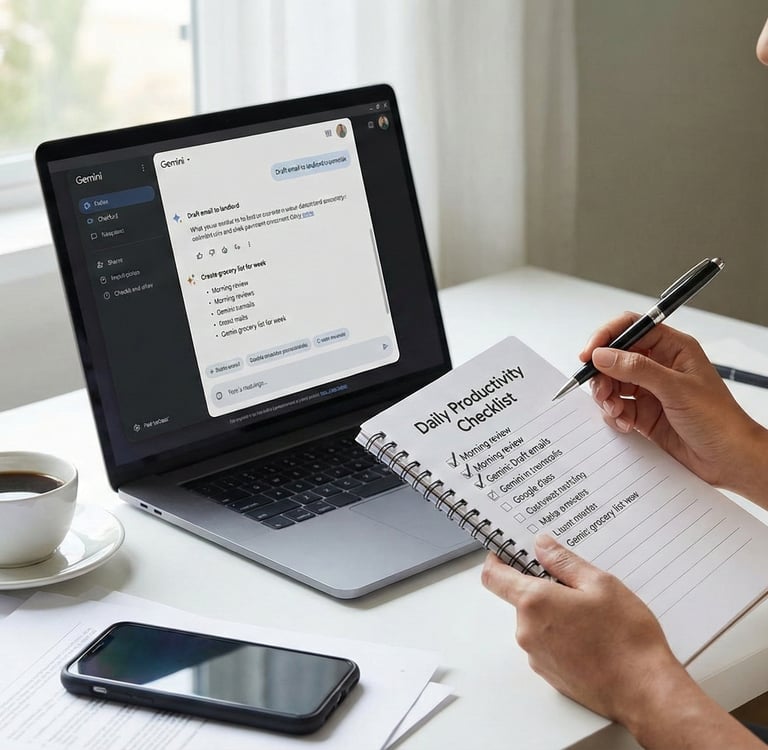
1. Getting Started: The 60-Second Setup
The real magic of these productivity hacks happens when you allow the app to hear and see you. Enabling permissions unlocks the hands-free features that make Gemini feel like a true personal assistant.
Download the App: Head to your app store on either Android or iOS and download the Google Gemini app.
Sign In: Log in using the same Google account you use for Google Drive and Gmail to keep all your data connected.
Grant Permissions: Allow microphone and camera access so you can chat hands-free and snap photos for instant AI analysis.
2. Practice: Your First "Date" with AI
The best way to master Google Gemini 3 Everyday Life is to dive in and start prompting. Don't just stare at a blank screen; run a "practice prompt" immediately after downloading to see what your new assistant can do.
Icebreaker Prompt: Set the AI's role to a "helpful Tour Guide" and ask it to explain three specific ways it can help you save time daily.
Constraint Tip: Keep the answer fun, short, and under 100 words to see how well the AI follows specific instructions.
Save Your Wins: When you find a prompt that works perfectly, "star" or pin the output.
One-Tap Reuse: Saving your best work allows you to reuse that perfect recipe generator or email draft tomorrow with just one tap.
Conclusion: Your AI Journey Starts Now
You now have the checklist, the prompts, and the motivation to succeed. You know exactly how to use your AI assistant for real-life wins, from finding cheaper groceries to organizing a spontaneous weekend adventure. When you add Google Gemini 3 Everyday Life to your routine, you are opening the door to a more organized, creative, and stress-free future. Don't just read—download the app, sign in, and start your first conversation today.