
Master AI Work Productivity: Practical Gemini 3 Examples for Professionals
JR. AI GUIDESABOUT OF GEMINI
Idris SONMEZ
12/21/20252 min read
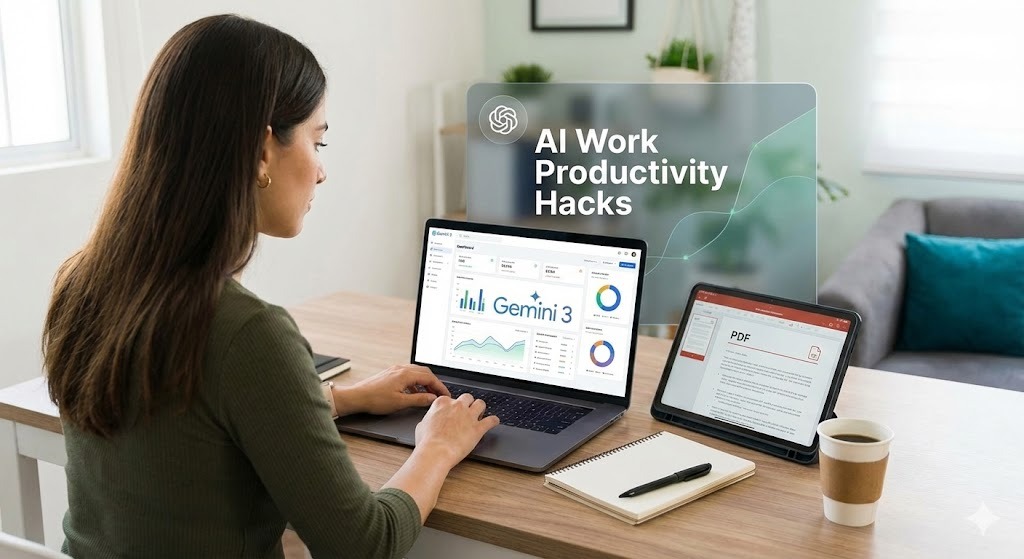
But what if you could add Gemini 3 to your life to handle the heavy lifting of document creation and analysis?. In this guide, we explore how to turn hours of work into minutes and impress your boss without the burnout. Let’s dive into these AI work productivity hacks.
1. Draft Slide Decks from a Single Sentence
Creating a presentation from scratch is one of the most time-consuming tasks in the corporate world. You often have to worry about the structure, the flow, and the speaker notes.
With Gemini 3, you don't have to start from zero; you can request a full outline, complete with speaker notes and image suggestions.
🚀 Copy-Paste Prompt
Role: Act as a Presentation Specialist. Context: I need to present the Q3 social media ROI to my marketing team. Task: Create an outline for 6 slides on this topic. Constraints: Include charts, detailed speaker notes for each slide, and suggest images to use. Keep the tone upbeat.
Pro Tip: Once you have the text, you can export the content to Google Slides and simply tweak the colors to match your brand.
2. Summarize Long PDFs in 30 Seconds
Information overload is a major hurdle to AI work productivity. Whether it's an annual report or a technical white paper, reading every word is often impossible.
You can upload a long report directly to Gemini 3 and ask for the "CliffsNotes" version. Don't just ask for a summary; ask for a strategy to make you look like the smartest person in the room.
🚀 Copy-Paste Prompt
Role: Act as a Strategic Research Assistant. Context: I have uploaded a 50-page industry report. Task: Analyze this report and give me three bullet-point takeaways for my boss. Constraints: Also include two sharp counter-questions I can ask during the meeting to spark discussion.
3. Pro-Productivity Tips for Gemini 3
To speed up your workflow even further, keep these quick commands in your back pocket to maintain high AI work productivity:
The Comparison Hack: Use /table in your prompts to instantly turn raw data into a structured comparison table.
The Time Saver: Add "TL;DR" (Too Long; Didn't Read) at the end of any prompt to get a quick elevator-pitch version of the answer.
The Snippet: Store your favorite prompts in a "Gemini snippets" note for one-tap reuse in future tasks.
Conclusion: Work Smarter, Not Harder
You now have the tools to draft decks and digest documents in a fraction of the time. These examples are designed to help you reclaim your workday and focus on what truly matters.
Don't wait—try it now! Open a new tab, upload that PDF you've been avoiding, and let Gemini 3 summarize it for you. When you integrate AI into your daily tasks, you stop working harder and start working smarter.
Want more easy AI wins? Visit Eternal Mind regularly for the latest tips on using AI to transform your professional life!