
Master AI Meal Planning: How to Use Google Gemini for Smarter Home Cooking
JR. AI GUIDESABOUT OF GEMINI
Idris SONMEZ
12/19/20252 min read
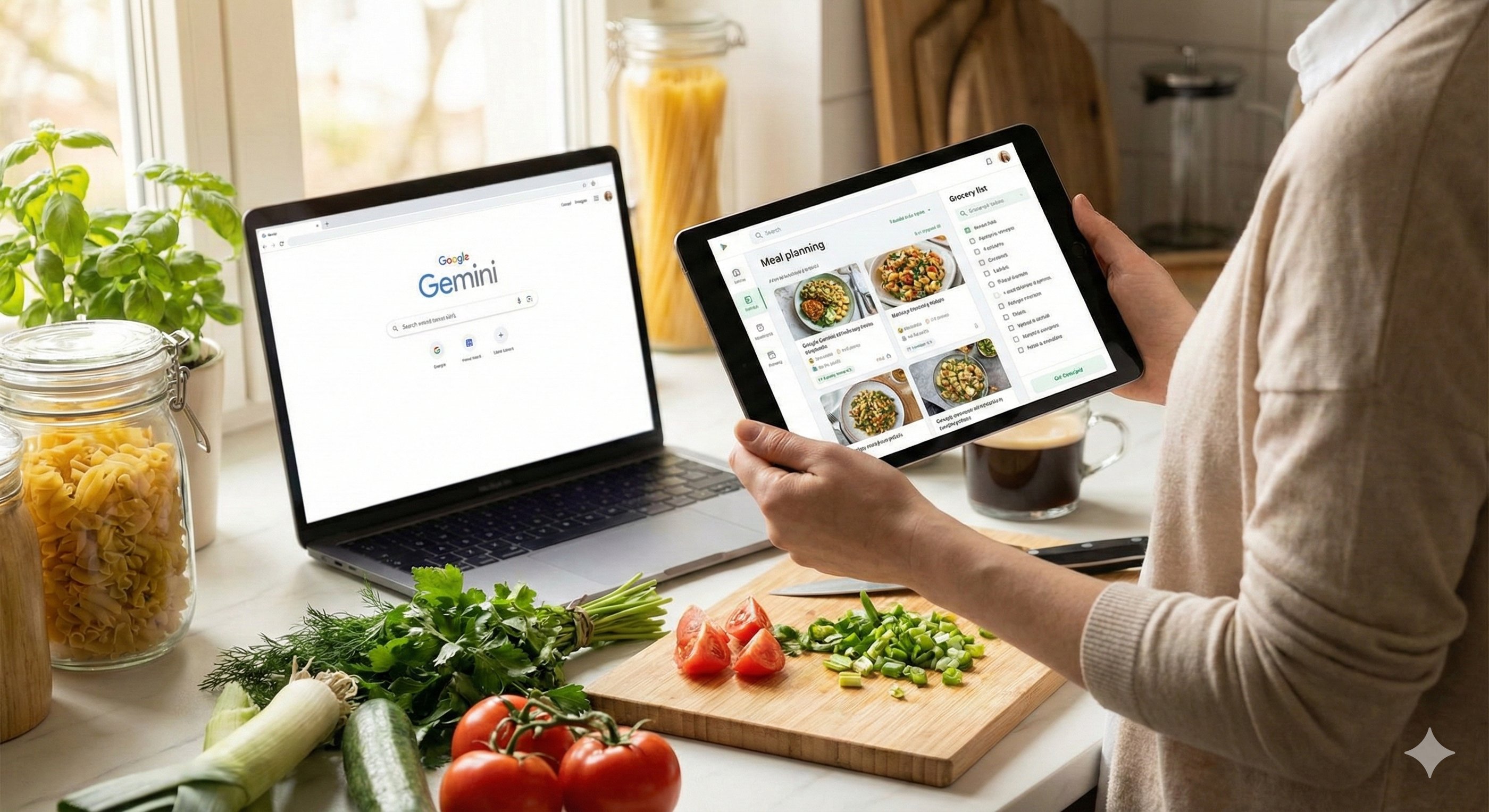
But what if you could outsource that stress? In this guide, we’ll show you how AI meal planning with Google Gemini can turn your random ingredients into a gourmet menu in seconds.
1. Snap Your Fridge, Get Instant Recipes
Forget manual entry. The most efficient way to use Gemini for AI meal planning is through its visual capabilities.
How to do it step-by-step:
Open the Gemini App: Tap the camera icon in the prompt bar.
Take a Photo: Snap a clear picture of your fridge or pantry shelves.
Add Your Preferences: Don't just ask for recipes; tell the AI your "vibe."
Review the Options: Gemini will suggest meals based specifically on what it "sees."
🚀 Copy-Paste Prompt
Role: Act as a creative Personal Chef. Context: I have attached a photo of the ingredients currently in my fridge and pantry. Task: Give me three dinner ideas using these ingredients. Constraints: The recipes must be low-carb and take under 30 minutes to cook.
2. Auto-Build a Smart Grocery List
Once you’ve picked your meals, the next headache is the shopping list. Gemini removes the friction by automating the organization.
Why this is a game-changer:
No Duplicates: The AI merges "onions" from three different recipes into one total quantity.
Aisle Organization: It sorts items by category (Dairy, Produce, Meat) so you don't walk in circles.
Inventory Check: It can cross-reference what you already have so you don't buy extra salt or oil.
🚀 Copy-Paste Prompt
Role: Act as an efficient Home Manager. Context: I have selected five recipes for the upcoming week: [Insert Recipe Names]. Task: Create a master AI meal planning grocery list. Constraints: Sort the items by supermarket aisle and calculate total quantities needed.
3. The "Family Filter": Customizing Your AI Experience
The best part of using AI is that it adapts to your life. You can refine any plan using these specific filters:
Dietary Restrictions: Simply add "make it vegan," "paleo," or "gluten-free."
Scaling for Size: Specify "serves 2" or "family of 5" to adjust ingredient amounts.
Budget Optimization: Use the command "Prioritize low-cost ingredients" to keep your grocery bill down.
Kid-Friendly Mode: Ask for "no spicy ingredients" or "picky-eater approved" versions.
4. Why Switch to AI Meal Planning?
If you're still on the fence, here are the core benefits:
Reduced Food Waste: Use exactly what you have before it expires.
Time Savings: Skip the "what should we eat?" debate every night.
Healthier Choices: It’s easier to stick to a diet when the plan is generated for you.
Financial Efficiency: Stop "panic buying" random items at the store.
Conclusion: Eat Smarter, Not Harder
Google Gemini is more than a chatbot; it's a tool for modern living. By implementing AI meal planning, you're reclaiming your time and energy for the things that actually matter.
Your Action Plan for Tonight:
Walk to your kitchen.
Take a photo of your current ingredients.
Use the first prompt in this article.
Enjoy a stress-free dinner!
Want more easy AI wins? Stay tuned to Eternal Mind for more guides on how to make artificial intelligence work for you!